
Tax Appointment — DGI: practical guide
Platform for booking appointments with tax services according to available slots and proposed reasons.
- Organization
- General Directorate of Taxes
- Category
- Taxation
- Profiles
- Citizens, self-employed entrepreneurs, SMEs
- Data verified
- 2026-07-24
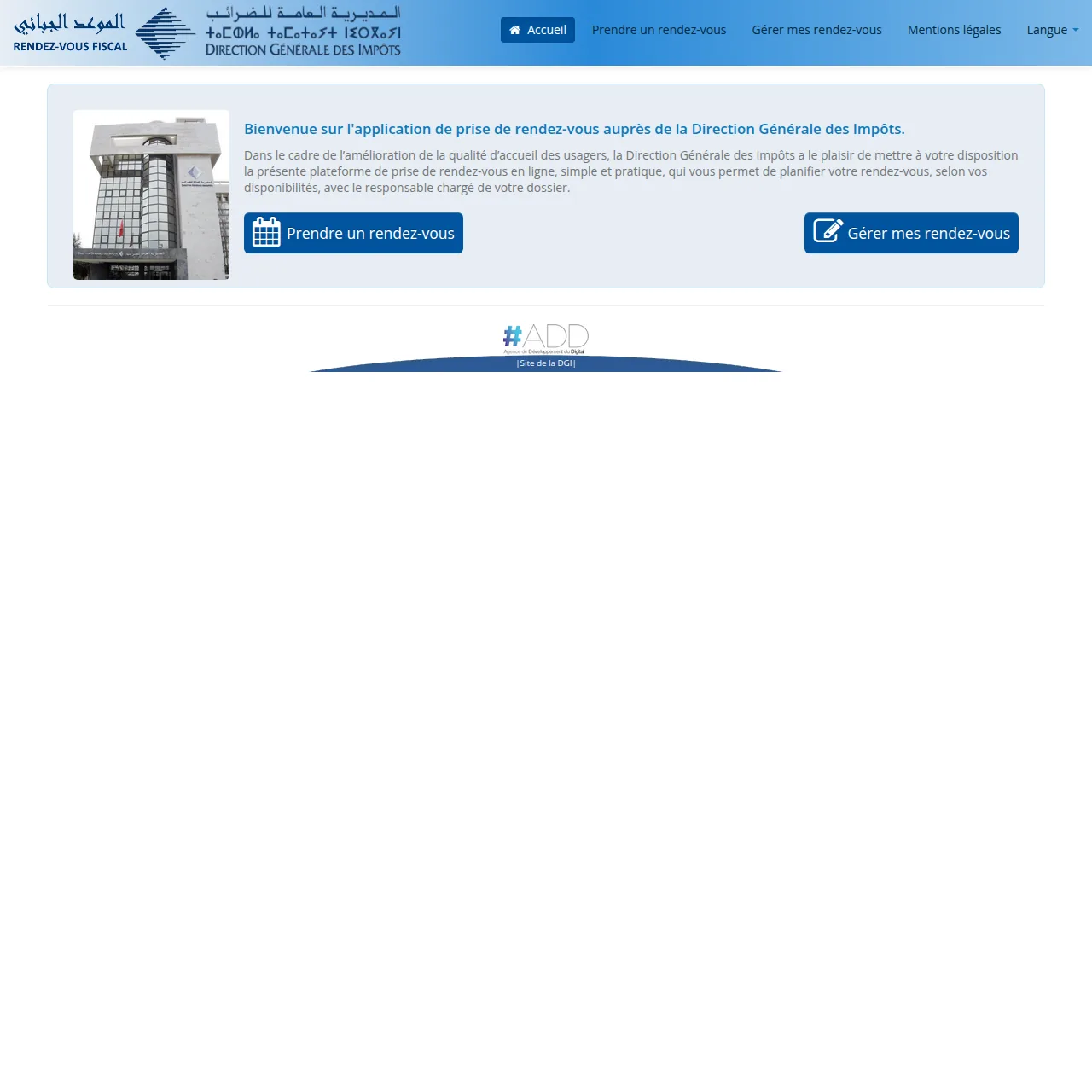
Quick answer. The DGI Tax Appointment service lets a taxpayer reserve a time slot with a tax office by choosing the competent directorate, the reason for the visit and an available date. It is useful when an exchange with the administration is necessary, but it does not replace SIMPL or another online DGI service when the declaration, payment or certificate can be handled entirely online.
What information is requested?
The current application asks for identification and contact information appropriate to the selected profile. Depending on the route, this may include the tax identifier or national identity number, ICE, directorate, address, purpose of the appointment and available time. The fields can change according to the chosen service, so use the information that corresponds to the actual taxpayer and file.
Choose the correct reason before booking
Before reserving a slot, check whether the issue really requires an appointment. A filing or payment that is already available through a DGI e-service should normally be handled through that service. The appointment is more relevant when a file must be discussed with the competent office, when clarification is needed, or when the digital route does not resolve the situation.
Confirmation and appointment management
After booking, the application provides a summary and sends a confirmation email containing a code. Keep that code. The “Manage my appointments” function can be used to retrieve and cancel a booking. If you cannot attend, cancel rather than simply missing the slot so that the availability can be released.
Prepare before visiting
- select the directorate that is actually competent for the taxpayer;
- choose the precise reason for the request;
- bring the tax identifiers, declarations, payment references or correspondence linked to the file;
- save or print the appointment summary;
- check whether the application offers a remote consultation option suitable for the same reason.
Physical appointment or remote service?
Do not assume that a physical visit is mandatory. Depending on the situation, the DGI portal or appointment interface may offer another remote channel. If no proposed reason clearly matches your case, first verify the relevant DGI e-service or contact the directorate before booking an unsuitable appointment.
Official sources checked on 8 September 2026
Key point: book only after identifying the correct office and reason, and keep the confirmation code until the request is completed.