
Customs — Digital services portal: practical guide
Digital services desk made available to businesses and economic operators.
- Organization
- Customs and Indirect Tax Administration
- Category
- Foreign trade and customs
- Profiles
- Self-employed entrepreneurs, SMEs
- Data verified
- 2026-07-24
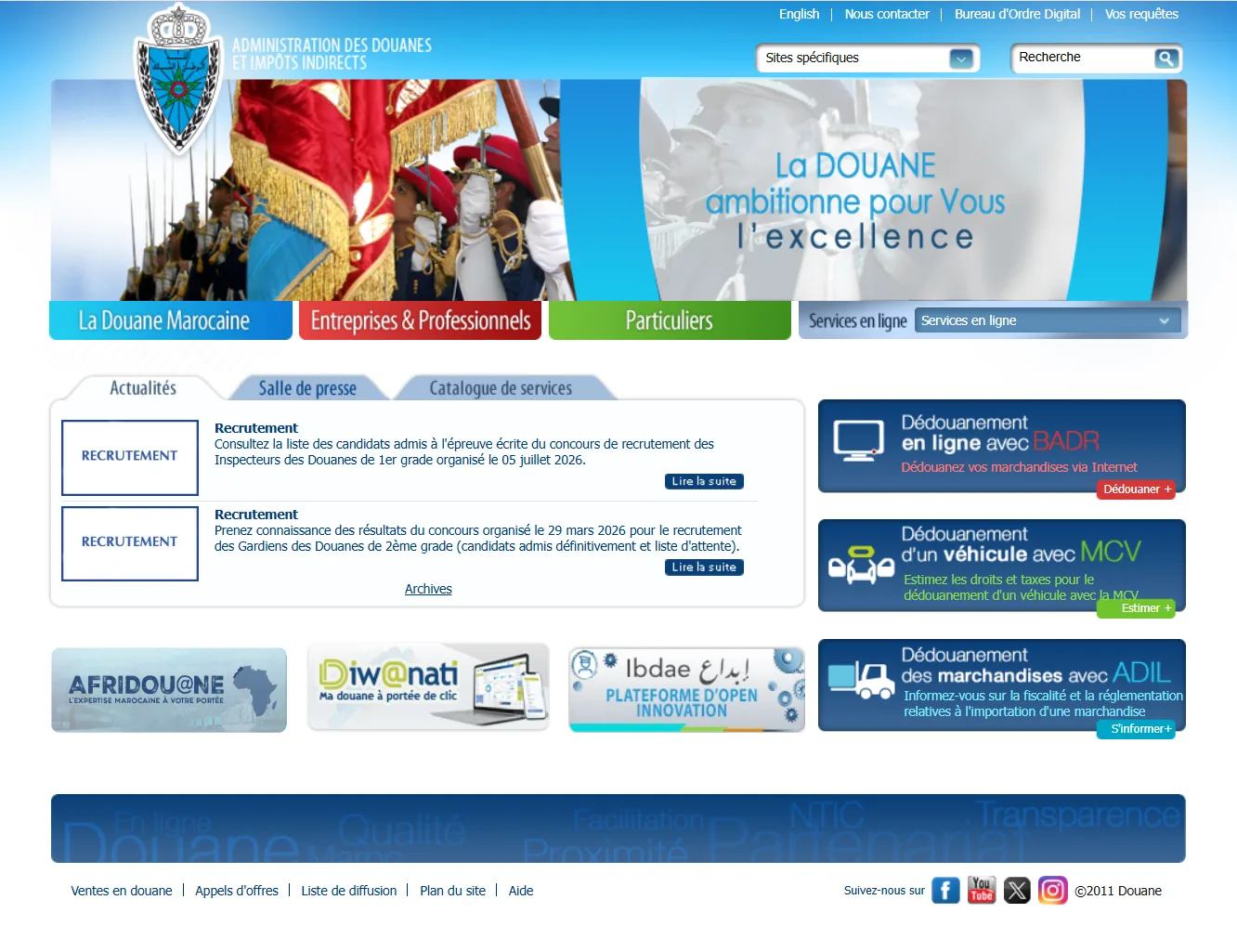
When a procedure depends on a specific portal, the hardest part is not always filling in a form; it is often knowing whether you are in the right place, what to prepare and what happens after you submit your request. Customs addresses an identified need in the “Foreign trade and customs” category, but it is easier to use when you approach the service with the right information.
The e-services.ma listing describes Customs — Digital services portal as follows: “Digital services desk made available to businesses and economic operators.” It links the service to Customs and Indirect Tax Administration, in the category Foreign trade and customs, and identifies it as relevant to self-employed entrepreneurs and SMEs. The directory data is shown as verified on 2026-07-24. This guide expands on these points without inventing documents, fees or processing times that are not stated in the source.
Douane: what is this online service for?
Customs — Digital services portal falls within the scope of import, export, customs and logistics operations. According to the supplied information page, its main purpose is: Digital services desk made available to businesses and economic operators. This wording is important because it defines the scope that can be presented with certainty from the source.
A foreign-trade operation often involves several parties and formalities; inaccurate information can slow customs clearance or administrative processing. You should therefore start from your actual need rather than the portal name alone. A single platform may include several features, while some operations may later require approval, an additional document, a visit in person or action by another service.
The role of Douane in your procedure
- Access customs services : Result depending on the selected feature and the requirements of the official service.
- Declare online : Submission, registration or transmission recorded, subject to service checks.
- Track a procedure : Progress status or tracking information for the procedure concerned.
Practical point
Key point: the Customs digital-services gateway is an orientation point, not one universal procedure. BADR is the reference transactional system for customs clearance, while services such as Diw@nati provide other forms of consultation and monitoring; PortNet and Customs remain complementary rather than interchangeable.