
ePolice — Extract from the anthropometric record: practical guide
Guidance service for requesting an anthropometric record extract under the available procedures.
- Organization
- General Directorate for National Security
- Category
- Official documents
- Profiles
- Citizens, Moroccans abroad
- Data verified
- 2026-07-24
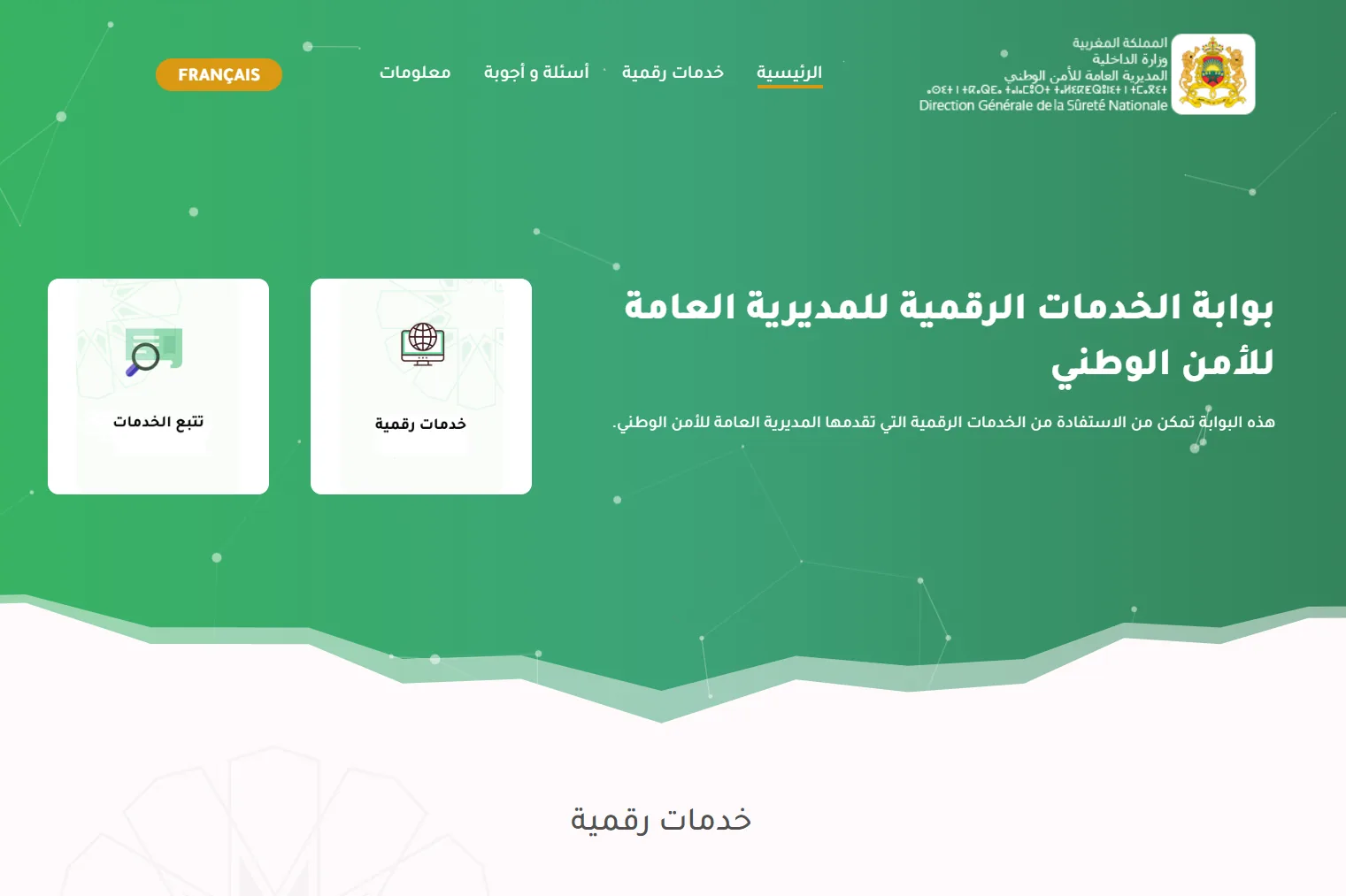
Quick answer. The DGSN E-POLICE portal allows an online request for an extract of the anthropometric record. The digital request does not mean that every stage is fully remote: the published process includes identity verification, tracking and collection of the document at the indicated or selected centre after notification.
Online request and physical collection are separate stages
The service was introduced to reduce the need to start the procedure at a police counter. However, users should wait for confirmation that the document is available before travelling for collection. An electronic application should not be presented as automatic electronic delivery of the final document.
What to prepare before opening E-POLICE
- your CNIE and the information needed to verify identity;
- personal details matching the identity document exactly;
- access to the telephone or notification method used during the procedure;
- the collection centre choice when the portal offers it.
DGSN communications indicate that remote verification relies on digital-identity and trusted-party mechanisms. Follow the instructions displayed by E-POLICE at the time of application because verification screens may evolve.
Practical steps
- open epolice.ma from an official source;
- choose the anthropometric-record extract service;
- complete the requested identity verification;
- enter and confirm the required information;
- keep the tracking reference;
- wait for the availability notification;
- collect the document from the centre indicated in the process.
Anthropometric record and criminal record are not the same document
The anthropometric record is issued through the DGSN circuit. The criminal-record certificate has its own electronic service under the Ministry of Justice. If an employer or administration uses an imprecise expression, verify the exact document requested before applying. See also our criminal-record guide.
Check the request status before travelling
Completing identity verification and submitting the form are only the first stages. Keep the tracking reference and follow the status shown by the official service. If the portal gives new collection instructions or identifies a specific centre, use those instructions rather than an old screenshot or third-party tutorial.