
PortNet Foreign Trade: practical guide
Platform dedicated to orchestrating and digitizing import-export procedures.
- Organization
- PortNet S.A.
- Category
- Foreign trade and customs
- Profiles
- Self-employed entrepreneurs, SMEs
- Data verified
- 2026-07-24
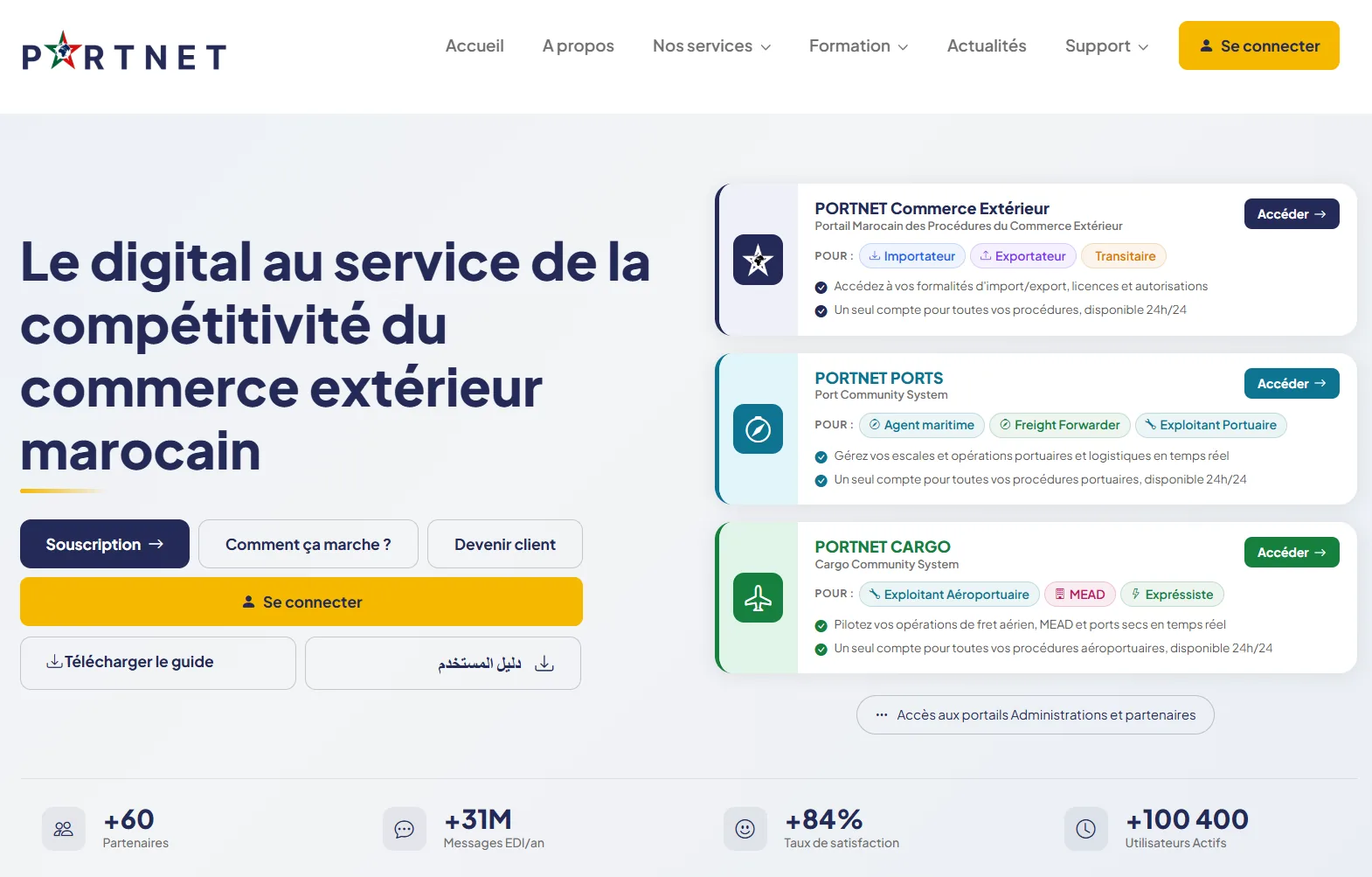
PORTNET Foreign Trade is Morocco’s portal for import and export procedures. PortNet describes it as a national platform that centralises and digitises exchanges between economic operators, public administrations and other foreign-trade stakeholders. This page explains its role before you move to the official service.
What is PORTNET Foreign Trade for?
The portal is designed to bring procedures that may involve several authorities into one digital environment. It primarily serves importers, exporters and customs brokers / freight forwarders acting as transit agents. Depending on the procedure, a user may submit a request, send supporting files, exchange an authorisation, check a case status or follow an operation linked to foreign trade.
PortNet lists a broad range of digitised services, including import-title procedures, licences and authorisations, goods-control workflows, certain customs exemptions, health or technical controls, payment services and data exchanges with Customs and partner administrations. The exact path depends on the goods, customs regime and competent authority.
Who should use this portal?
The official portal highlights three main profiles: importer, exporter and transit agent. Start by identifying your actual role in the transaction, because screens, permissions and available services can vary according to the account profile and its authorisations.
Before starting a procedure
- define the operation precisely: import, export, licence, authorisation, control, payment or tracking;
- identify the administration or partner involved in the procedure;
- prepare the commercial, customs and administrative references already available to you;
- use the account and permissions that match your real role in the operation;
- check the documents, processing times and fees shown in the selected service, as these vary by procedure.
Examples of procedures available
The official catalogue illustrates the scope of the single window: import titles, export licences, customs exemptions, authorisations for certain products or equipment, submission of documents for controls, bank-guarantee workflows, Customs powers of attorney and E‑CITES procedures. These examples describe the portal’s scope but do not replace the live official catalogue.
PORTNET Foreign Trade, PORTNET PORTS or PORTNET CARGO?
PortNet operates several digital environments. PORTNET Foreign Trade covers import/export formalities. PORTNET PORTS focuses on port calls and port operations, while PORTNET CARGO covers air freight and other specialised logistics flows. If your need is a port-call or cargo operation rather than a foreign-trade formality, choose the corresponding portal before signing in.
Access, account and case tracking
Official services are accessed through a user account, and available functions depend on profile and permissions. When a request already exists, use its tracking status instead of creating a duplicate submission, and keep the references generated by the platform. For access or technical issues, use PortNet’s official assistance channels rather than an unofficial intermediary.
What this page does not replace
e-services.ma is an independent directory. Regulatory conditions, required documents, fees, processing times and administrative decisions can change and remain the responsibility of the official service or partner authority. Always verify the information displayed in your PortNet procedure before final submission.
Official access: Open PORTNET Foreign Trade ↗
Official sources checked on 10 September 2026
This rewrite is based on PortNet’s official portal and its presentation of PORTNET Commerce Extérieur — Portail Marocain des Procédures du Commerce Extérieur, including target user profiles and its catalogue of digitised procedures. For current operational information, always consult the official PortNet source.
PortNet Foreign Trade FAQ: frequently asked questions
What is PortNet Foreign Trade for?
The source page presents PortNet Foreign Trade as a service related to foreign trade and customs. Its function is summarised as follows: Platform dedicated to orchestrating and digitizing import-export procedures. The exact features must be confirmed on the official portal.
How can you access PortNet Foreign Trade online?
Use the link to the official portal shown on this page. Before entering personal information, check the domain name and make sure the selected feature exactly matches your need.
Which documents should you prepare for PortNet Foreign Trade?
The source page does not provide a complete, universal regulatory list of documents to submit. First prepare the identification information and references relevant to your case, then consult the list displayed by the official portal for your specific procedure.
Does PortNet Foreign Trade issue a document or certificate?
The result depends on the feature used. For this service, the identified use cases are: Manage imports, Manage exports, Track operations. Some features may produce a document, information, tracking status or a submission; always check the result described by the official service.
Who manages PortNet Foreign Trade?
The listing links this service to PortNet S.A. e-services.ma is a private, independent directory and does not carry out the procedure on the user’s behalf.
What are PortNet Foreign Trade processing times and fees?
Processing times and fees may depend on the procedure and your situation. Because they are not detailed on the source page, do not rely on a generic amount or timeframe: check the information displayed on the official portal when you submit your request.
How can you avoid a mistake before using PortNet Foreign Trade?
Review the exact service title, prepare the useful references, check the operator’s status, the transaction concerned, declarations, authorizations, commercial documents and customs requirements, then use only the official portal. Also keep any confirmations, case numbers or receipts generated when available.