
Digital Registry Office — Electronic submission of correspondence: practical guide
National platform for submitting electronic correspondence to participating public organizations.
- Organization
- Digital Development Agency
- Category
- Administrative guidance
- Profiles
- Citizens, Moroccans abroad, self-employed entrepreneurs, SMEs
- Data verified
- 2026-07-24
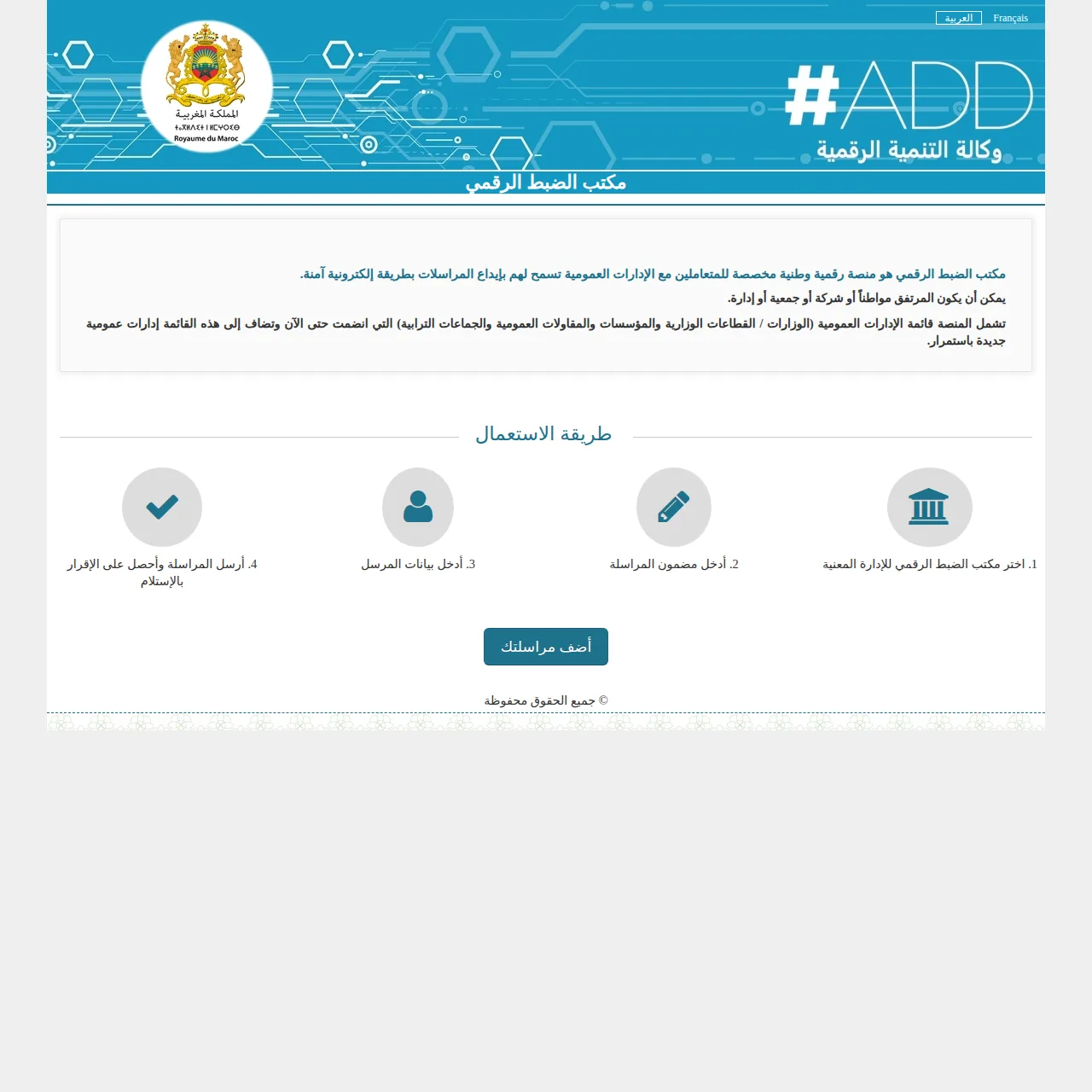
Quick answer. The Digital Registry Office (Bureau d’Ordre Digital) is a national platform for electronically and securely sending correspondence to public bodies that have joined the service. It can be used by citizens, businesses, associations and administrations. It does not replace every specialised e-procedure: its main purpose is to send a letter to the correct body and obtain a traceable filing record.
When should you use the Digital Registry Office?
| Your need | Recommended route |
|---|---|
| Send a letter or written request to a public body listed on the platform | Digital Registry Office |
| Submit a regulated application requiring a dedicated form, payment or mandatory documents | Use the administration’s specialised service first |
| File a complaint about a public administration | Chikaya may be more appropriate depending on the issue |
The list of participating bodies changes over time, so first confirm that the intended recipient appears in the portal’s search function.
How do you submit correspondence?
- find the Digital Registry Office for the relevant public body;
- enter the subject and content of your letter;
- provide the contact information requested in the form;
- attach useful supporting files and review the information before sending;
- keep the receipt and, above all, the number assigned to the correspondence.
The official form observed in 2026 accepts attachments in PDF or image format and indicates a 5 MB limit for attached documents. Check the instruction shown when you submit, because technical rules may change.
Why keep the filing number?
After transmission, the platform generates an acknowledgement of receipt with a number. The portal states that this number is used to track the progress of the correspondence. Save or print the acknowledgement before closing the page: it is your main record that the message was transmitted.
What the platform does not guarantee
An acknowledgement confirms transmission; it does not automatically mean that your request is admissible, complete or accepted. If the matter follows a specific procedure — permit, tax, identity document, registration or payment — also check the dedicated online service and the requirements of that procedure.
Which bodies can be contacted?
The platform states that it lists public bodies that have joined the system, which may include ministries, public institutions and enterprises, and local authorities. The list is not fixed. If an organisation is absent, use its institutional website to identify its official contact channel or specialised e-service.
Official sources checked on 8 September 2026
- Digital Registry Office — official national portal
- Maroc.ma — Digital Registry Office among digital services
Key point: choose the recipient first, then keep the acknowledgement and its number. For a specialised procedure, use the relevant administration portal rather than sending only general correspondence.