
DGI — Tax portal and online services: practical guide
Official tax portal providing access to declarations, payments, certificates and tax information.
- Organization
- General Directorate of Taxes
- Category
- Taxation
- Profiles
- Citizens, self-employed entrepreneurs, SMEs
- Data verified
- 2026-07-24
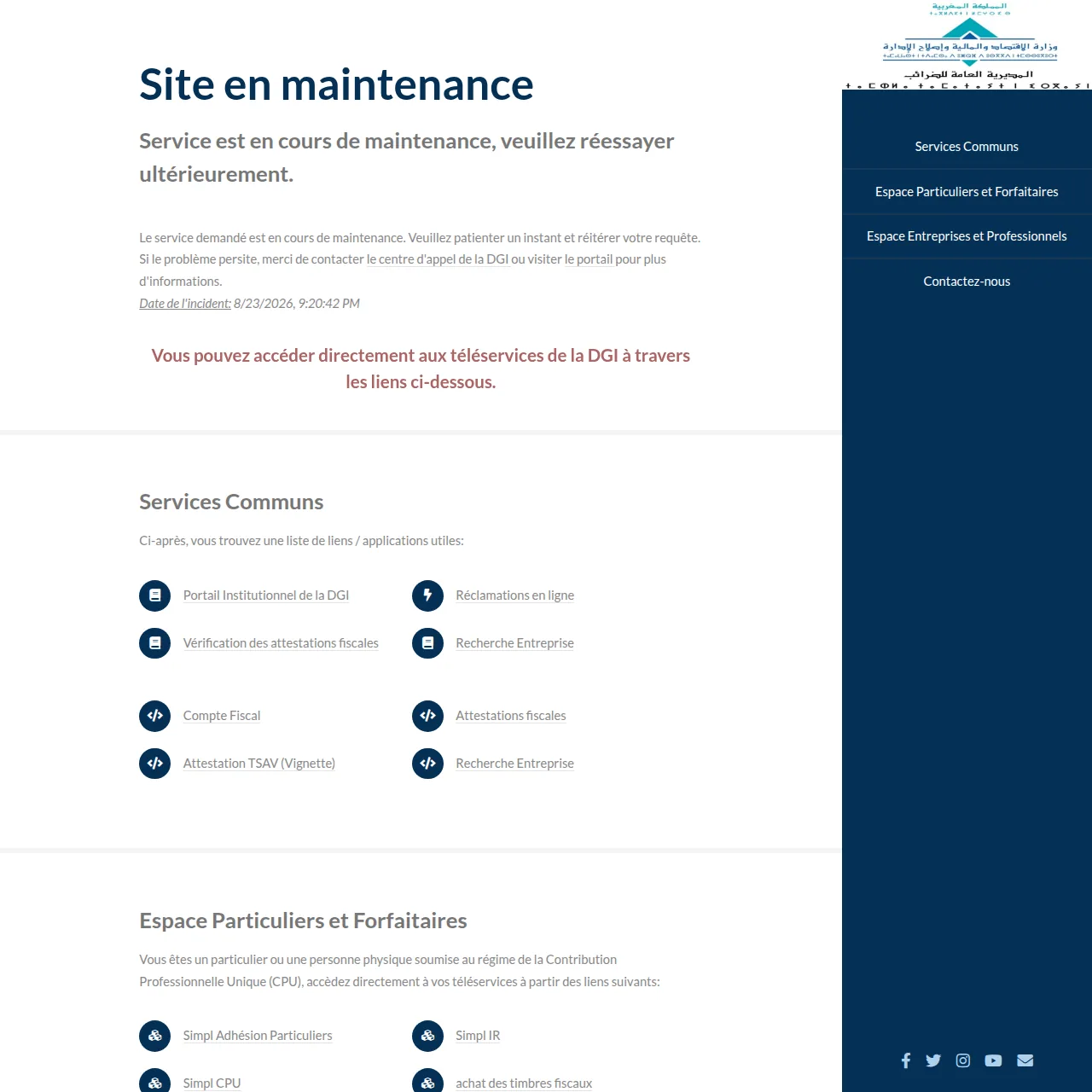
Quick answer. The General Tax Directorate (DGI) portal is an entry point to several tax e-services. It is not a single procedure: depending on your situation, you may need SIMPL-IR, SIMPL-IS, SIMPL-TVA, the tax account, certificate services, company search, payment or an online complaint.
The DGI portal is not one form
The Ministry of Economy and Finance lists the main DGI e-services separately. The SIMPL tax account allows enrolled users to consult their tax position, while SIMPL company search is a public service for checking a company through identifiers such as ICE, IF or Commercial Register number. Other spaces are dedicated to income tax, corporate tax, VAT and more specific obligations.
Choose the service from your objective
| Declare or pay individual income tax | SIMPL-IR individuals |
| Check an enrolled taxpayer’s position | SIMPL tax account |
| Verify a company’s tax identification | SIMPL company search |
| Verify an issued certificate | DGI certificate verification |
| Buy a tax stamp | DGI e-Timbre |
SIMPL and Daribati have complementary uses
DGI also provides the Daribati application for several services used by the public and SIMPL users, including consultation of tax information, payment of certain taxes, purchase of tax stamps and access to certificates. The web portal remains the reference for the complete catalogue and current official instructions.
Services continue to evolve
DGI e-services are not static. New functions can be added or reorganized, so verify the portal at the time of the transaction rather than relying on an old screenshot or undated tutorial.
Before signing in
- identify the tax, period or document concerned;
- check whether the service is public or reserved for SIMPL members;
- prepare only the references required for that transaction;
- verify the tax.gov.ma domain before entering credentials;
- keep receipts and references generated after validation.
Official sources checked on 8 September 2026
Key point: “DGI portal” means a set of services; start from the tax obligation or document you actually need.